See the resemblance, cherish the difference
Compare your children's photos at the same ages. First smile, first steps, first day of school — side by side, instantly.
Get Started Free


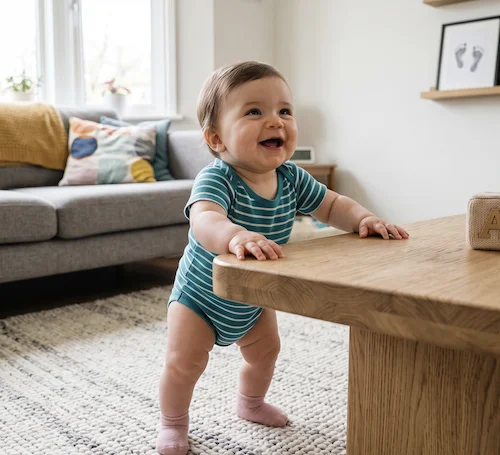
“I always thought my kids looked alike as babies, but seeing them side by side at the same age? It's uncanny.”- Built by a dad of three who got tired of scrolling through 20,000 photos
Three steps. Zero friction.
No passwords to remember, no complicated setup. Just your photos and your children.
Add Your Children
Enter each child's name and birthday. That's all Milestone Mirror needs to organize your comparisons.
Create Frames
Name your milestone — “First Smile,” “6 Months Old,” “Halloween” — and upload a photo of each child.
Compare Instantly
Swipe between photos on mobile or view side by side on desktop. Share the comparison with family.
Built for the moments that matter
Every frame is a comparison. Every comparison is a memory.
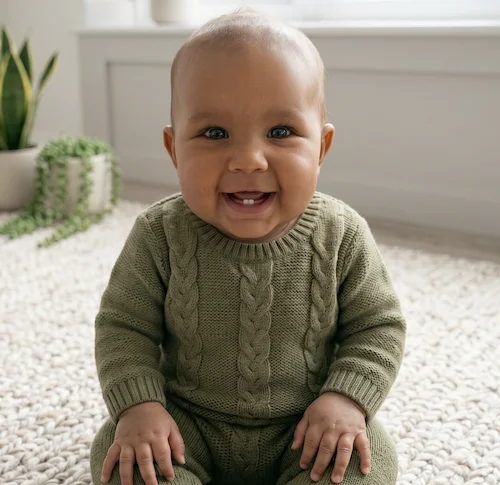 Miles
Miles Hannah
 Nate
NateSide by side on desktop. Swipe on mobile.
On larger screens, see all your children's photos at once. On your phone, swipe through each child's photo in a carousel — the comparison just clicks.
Works beautifully whether you have two kids or five.
Drag, drop, reorder. Your story, your way.
Arrange your milestone frames however tells your family's story best. Chronological, by season, by resemblance — you decide.
Share individual frames with grandparents, or download clean side-by-side images to post anywhere.
Simple by design
Not a photo album. Not a social network. Just comparison, done perfectly.
Private & Encrypted
Your photos are encrypted and only accessible to you. No social features, no ads, no data selling. Ever.
No Password Needed
Sign in with Google, Apple, or a magic code sent to your email. One less password to forget.
Mobile First
Upload straight from your camera roll. Swipe through comparisons with your thumb. Built for how parents actually use their phones.
Any Age, Any Milestone
Not just babies. Compare school photos, sports pictures, holiday portraits — at any age, for any occasion.
Start free. Grow as they do.
Create your first milestone comparisons at no cost.
Free
- Up to 5 frames
- Up to 2 children
- Swipe & side-by-side comparison
- Drag & drop reorder
- Share frames
Premium
- Unlimited frames
- Unlimited children
- Everything in Free
- Priority support
- Download high-resolution frames